
01
Today at a glance
Upcoming appointments, open tasks, and recent activity appear in one calm overview.

PROPLANU connects online booking, calendars, clients, payments, and communication in one system—set up personally with you.
Clients find your studio, book the right service, and receive confirmation. You continue with the same information—without collecting it from chats, calendars, and payment lists.
Studio profile, services, team, images, and available times.
Service, artist, appointment, and—when enabled—a deposit or full payment.
Calendar, status, blocked time, confirmations, reminders, and waitlist.
Contact data, booking history, and studio-specific rules in one place.
Understand revenue, utilization, services, cancellations, and reports.
PROPLANU
The home view brings appointments, activity, and progress together. From there, go straight to the calendar, a booking, or the client record.

Actual product interface · Sample data
01
Upcoming appointments, open tasks, and recent activity appear in one calm overview.
02
Open appointments, change status, plan manually, and manage blocked time or team assignments.
03
Bookings, clients, payments, and reporting stay connected.
PROPLANU Calendar
One calendar, three perspectives: work through the day, distribute appointments across the week, and see open capacity throughout the month.

Actual product interface · Sample data
01
Times, services, and clients sit in one clear daily sequence. New appointments and blocked time start here.
02
Compare opening hours, booked slots, and open time across seven days—including the team view.
03
Appointment volume, services, and blocked time show which days are filling up and where capacity remains.
PROPLANU Analytics
Utilization, booking trends, and services are evaluated from the same studio workflows you use every day. That means you can spot changes without assembling reports from separate tools.

Actual product interface · Sample data
01
Bookings, revenue, no-shows, and cancellations from the last seven days appear together in one compact view.
02
The booking trend makes peaks, quieter phases, and completed appointments visible across four weeks.
03
Rankings and revenue shares show which services are booked and how much they contribute.
PROPLANU connects the workflows that would otherwise be spread across chats, calendars, payment providers, and spreadsheets.
Discuss your setupSo your studio can be discovered and appointments happen without back-and-forth.
So everyone works with the same current information.
So booking, payment, and client care do not end up in separate tools.
So you can recognize patterns and grow the studio with control.
PROPLANU brings calendars, visibility, and payments into studio operations. Availability depends on your access, verification, and each provider’s requirements.
Sync appointments with a connected Google calendar.
Bring your location and reviews into PROPLANU.
Connect online payments, payouts, and supported card flows.
Offer PayPal and approved wallet or card options.
Connect on-site payments and supported terminal flows.
Add optional studio and booking workflows through the bot.
NaillyPro Shop
Order selected professional products directly from your studio dashboard—alongside the appointments, clients, and payments you already manage.
From Pro onwards, the integrated shop automatically includes a 10% partner discount.Request a call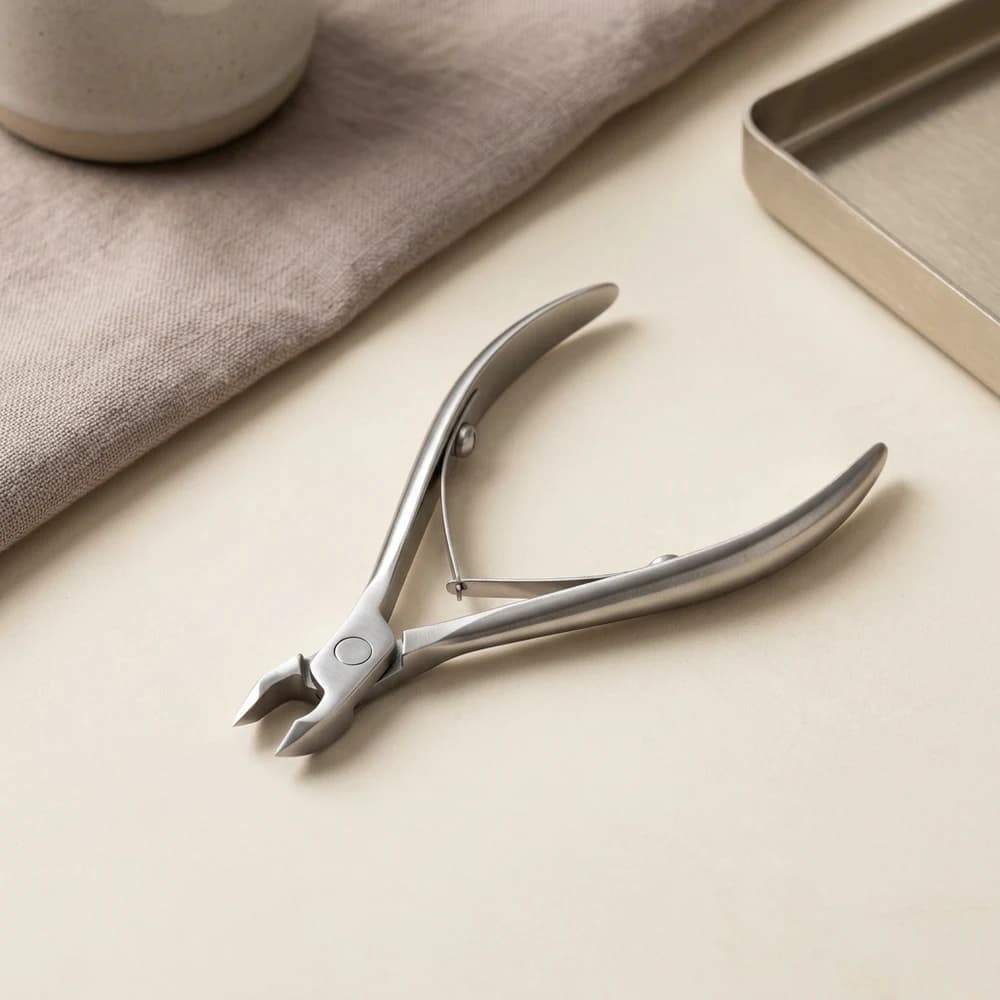

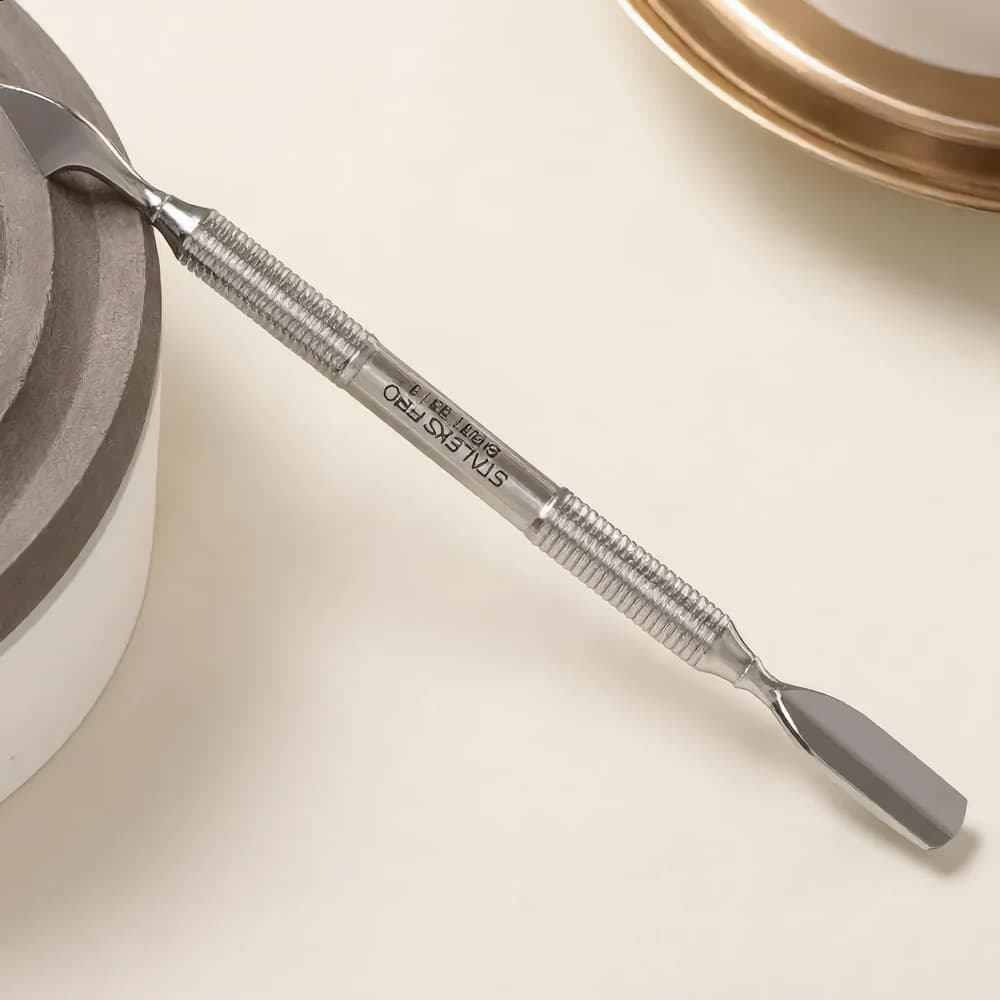

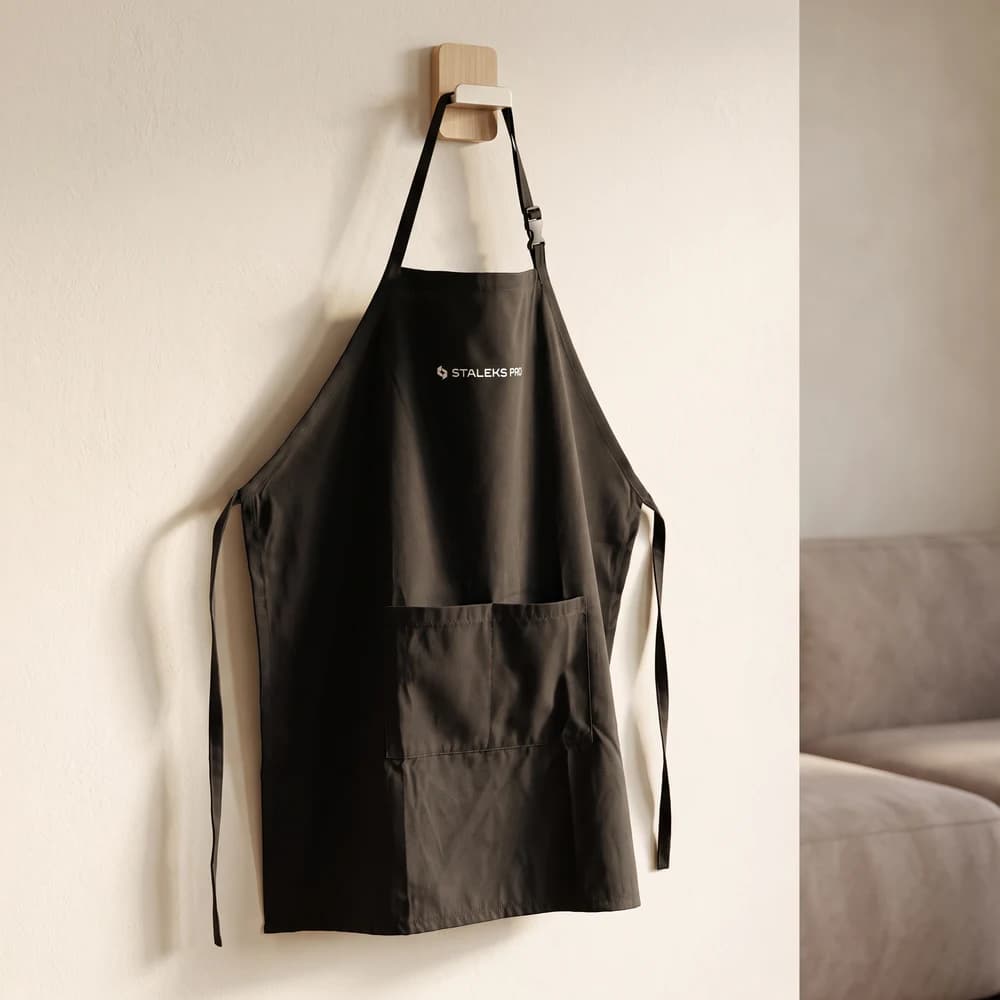
A selection from the current range. Availability may change.
We currently do not publish a one-size-fits-all price table. After a short conversation, you receive a concrete offer with the modules, limits, and terms that apply to your start.
Request an introductory callA request does not activate a paid subscription.From the first conversation to a studio ready to take bookings.
01
We understand your team, services, current tools, and biggest friction point.
02
You see the relevant PROPLANU workflows and can ask specific questions.
03
We document modules, limits, trial options, and commercial terms clearly.
04
Profile, booking rules, team, and integrations are prepared step by step.
Personal demo
For appointment-based studios and service businesses, including nail, beauty, cosmetics, hair, brow and lash, foot care, wellness, tattoo, and piercing.
After the introductory call, you receive a concrete written offer based on factors such as team size, locations, required modules, and payment flows.
We clarify possible time-limited trial access and its limits personally before you start.
Google Calendar, Stripe, PayPal, and SumUp connections exist. Activation depends on your access, studio verification, and provider requirements.
Yes. The current onboarding is deliberately personal: we review profile, services, team, booking rules, and suitable integrations together.
PROPLANU works in a mobile browser, and a native studio app supports selected workflows. More involved configuration remains clearest on the web.